Canadian crypto traders are sitting on a ticking clock. Every year, millions of dollars in digital assets vanish due to hacks, phishing scams, and simple user error. The scary part? Most of these losses are preventable. You don’t need to be a cybersecurity expert to protect your funds. You just need a few solid habits and the right tools.
The crypto market in Canada keeps growing. More people are buying Bitcoin and altcoins through platforms like those listed in our best crypto exchanges guide. But with growth comes attention from bad actors. Exchanges get hacked. Phishing emails get convincing. Even seasoned traders slip up. That’s why a proper security setup is non-negotiable.
Here’s the thing: securing your crypto isn’t complicated. It’s about layers. You want cold storage for the bulk of your holdings, 2FA on every account, and disciplined habits around your private keys. This guide walks you through each layer. By the end, you’ll know exactly how to lock down your assets. And if you’re new to the space, check out our beginner guide on buying Bitcoin first.
| Security Layer | Best For | Cost | Risk Level |
|---|---|---|---|
| Exchange with 2FA | Active trading, small amounts | Free | Medium |
| Software wallet (hot) | Everyday spending, small balances | Free | Medium-High |
| Hardware wallet (cold) | Long-term holdings, savings | $50-$200 | Low |
| Multi-signature setup | Large amounts, shared accounts | Varies | Very Low |
| Paper wallet (cold) | Extreme long-term storage | Free | Low (if stored safely) |
What Is Cold Storage and How Does It Protect Your Crypto?
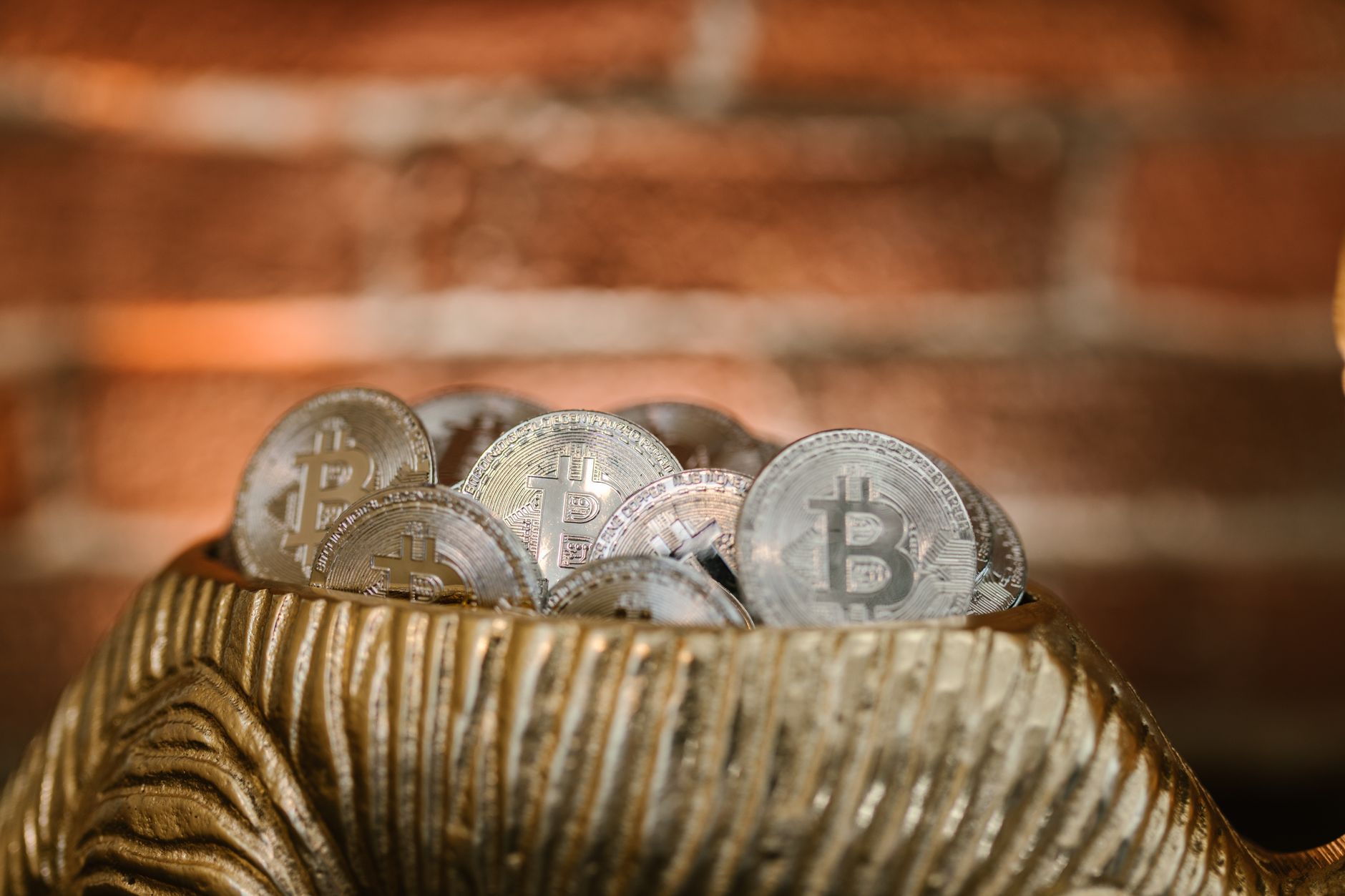
Cold storage means keeping your private keys completely offline. No internet connection, no exposure to remote attacks. The most common form is a hardware wallet, a small USB device that signs transactions without ever revealing your keys. Think of it as a vault for your digital money.
When you leave crypto on an exchange, you’re trusting that platform’s security. That’s fine for small amounts you’re actively trading. But for long-term holdings, cold storage removes that risk entirely. Even if the exchange gets hacked or goes bankrupt, your funds stay safe in your own hands. The Canadian crypto community learned this lesson the hard way during several exchange collapses.
Hardware wallets from Ledger and Trezor are the industry standard. They’re affordable, usually under $200, and they support most major coins. Setting one up takes about fifteen minutes. You generate a seed phrase, write it down, and you’re done. That seed phrase is your ultimate backup. Lose the wallet, buy a new one, restore with the phrase. Simple.
Cold storage is non-negotiable for serious investors. Treat it like a bank vault for your savings.
Here’s what cold storage protects you from:
Exchange hacks and insolvency events
Malware and keyloggers on your computer
Phishing sites that trick you into entering your keys
Remote access attacks on your devices
- Hardware wallets keep private keys offline at all times.
- Transactions are signed on the device, never on your computer.
- Seed phrases allow full recovery on any compatible device.
- Cold storage is ideal for amounts you don’t plan to move soon.
How Does Two-Factor Authentication (2FA) Work?
Two-factor authentication adds a second layer of verification when you log in or withdraw funds. Instead of just a password, you need a time-sensitive code from an app on your phone. Even if a hacker gets your password, they can’t get in without that code.
The catch is that not all 2FA is equal. SMS-based 2FA, where codes arrive by text message, is vulnerable to SIM swapping. A hacker convinces your mobile carrier to transfer your number to their device. Once they have that, they intercept your codes. That’s why security experts strongly recommend app-based 2FA like Google Authenticator, Authy, or a hardware security key.
Every exchange account you have should have app-based 2FA enabled. That includes your email provider. Here’s why: if a hacker takes over your email, they can reset passwords on your exchange accounts. So secure your email with 2FA first, then your exchanges. It’s a chain of security, and it’s only as strong as its weakest link.
You should also enable withdrawal whitelisting if your exchange offers it. That feature locks withdrawals to specific addresses you’ve pre-approved. Even if someone gets into your account, they can’t send funds anywhere new.
Set up 2FA on every platform you use for trading, including those in our crypto trading strategies guide.
- Use app-based 2FA, never SMS, for critical accounts.
- Enable 2FA on your email provider first, then exchanges.
- Store backup codes offline in case you lose your phone.
- Consider a hardware security key like YubiKey for maximum protection.
What Are the Biggest Threats to Your Crypto Wallet?
Phishing is the number one threat. Fake websites that look identical to real exchanges. Emails that appear to be from your platform, asking you to verify your account. One wrong click and your credentials are gone. Always double-check the URL before logging in. Bookmark the real sites and use those bookmarks every time.
Malware on your computer or phone is another serious risk. Keyloggers record everything you type, including passwords and seed phrases. That’s why you should never type your seed phrase into any device. Write it down on paper. Use a hardware wallet so your keys never touch your computer. Keep your operating system and antivirus software updated.
Social engineering attacks target you directly. Someone calls pretending to be support. They claim your account is compromised and need your backup codes. Legitimate companies never ask for your seed phrase or 2FA codes. Hang up and contact support through official channels.
The CRA angle is also worth noting. Scammers pose as CRA agents demanding crypto payments for fake tax debts. The real CRA will never demand payment in cryptocurrency. You can verify any tax-related communication on the official CRA website.
Staying vigilant is a daily habit. Here are the top threats to watch for:
Phishing websites and emails impersonating exchanges
Keylogging malware on your devices
SIM swapping attacks on your phone number
Fake customer support on social media
Fake CRA or tax collection scams
- Always verify URLs and use bookmarks for exchange sites.
- Never enter your seed phrase into any website or app.
- Use a dedicated email address for all crypto accounts.
- Be skeptical of unsolicited messages, even if they look official.
How Do You Choose a Secure Canadian Exchange?
Not all exchanges are created equal. Security features, track records, and regulatory compliance vary widely. In Canada, you want a platform that’s registered with provincial securities regulators and follows the rules set by the Canadian Securities Administrators. That gives you a layer of legal protection if things go wrong.
Look for exchanges that offer mandatory 2FA, cold storage for the majority of client funds, and insurance against breaches. Some Canadian platforms hold most of their digital assets in cold wallets. That significantly reduces the risk of a catastrophic hack. Transparency about security practices is a good sign. If an exchange is vague about how they store funds, that’s a red flag.
Our best crypto exchanges guide breaks down the top platforms for Canadian traders. Compare their fees, security features, and supported coins before you commit. Don’t just pick the cheapest option. Security should be your first filter, then fees, then usability.
Also, think about how you’ll use the exchange. If you’re day trading, you need fast execution and low fees. If you’re buying and holding, security matters more than speed. Match the platform to your strategy.
A quick comparison of security features to look for:
- Regulatory registration with Canadian securities authorities.
- Cold storage for the majority of client funds.
- Mandatory 2FA and withdrawal whitelisting.
- Transparent security audits and breach history.
- Insurance coverage for digital assets.
How Do You Secure Your Seed Phrase Properly?

Your seed phrase is the master key to your crypto. Anyone who has it controls your funds. There’s no customer support to call, no chargebacks, no recovery. That’s the reality of self-custody. So the way you store your seed phrase is the most important security decision you’ll make.
Write it down on paper. Store that paper in a fireproof safe or a bank deposit box. Some people use metal plates that survive fires and floods. Never take a photo of it. Never store it in a notes app, cloud drive, or email draft. Those are all hackable. The only safe place for a seed phrase is offline, in the physical world.
Consider splitting your seed phrase into multiple parts and storing them in different locations. That way, if one is compromised, the attacker still can’t access your funds. Just make sure you have a clear system for reconstructing it. Losing your own backup is just as bad as having it stolen.
One more thing: never enter your seed phrase into any website, even if it looks legitimate. There are fake wallet apps and phishing sites designed specifically to harvest seed phrases. Your hardware wallet will never ask you to type your seed phrase into a computer. If it does, something is wrong.
For more context on how wallets fit into your overall strategy, check our crypto vs stocks comparison.
- Write your seed phrase on paper or metal, never store it digitally.
- Keep it in a fireproof safe or bank deposit box.
- Consider splitting it across multiple secure locations.
- Never enter your seed phrase into any website or app.
What Should Canadian Traders Know About Crypto Taxes and Security?
Security isn’t just about preventing theft. It’s also about keeping records for the CRA. The Canada Revenue Agency treats cryptocurrency as a commodity. That means capital gains and losses apply when you sell, trade, or spend crypto. You need accurate records of every transaction, including dates, amounts, and fair market value in Canadian dollars.
If your crypto gets stolen, you may be able to claim a capital loss. But you’ll need to prove the theft happened. That means police reports, transaction records from the blockchain, and documentation of your acquisition costs. Without proper records, your claim will likely be rejected. Keep everything.
Use a crypto tax software that integrates with your exchanges and wallets. It’ll track your cost basis and calculate gains automatically. This saves you hours during tax season and ensures accuracy. The CRA has been increasing its scrutiny of crypto transactions, so don’t take shortcuts.
For a full breakdown of reporting requirements, read our Canadian crypto tax guide. It covers everything from mining income to NFT sales. Also, check the official CRA guidance on cryptocurrency for the latest rules.
Good security practices and good tax records go hand in hand. Both require discipline and attention to detail. Build the habits now, and you’ll thank yourself later.
- Track every transaction with dates, amounts, and CAD values.
- Keep records of wallet addresses and transaction IDs.
- Report capital gains and losses on your tax return.
- Document any theft or loss with police reports and blockchain data.
Frequently Asked Questions
What is the safest way to store cryptocurrency?
The safest method is a hardware wallet (cold storage) that keeps your private keys offline. Popular options include Ledger and Trezor. For very large amounts, consider multi-signature setups.
Is 2FA enough to secure my exchange account?
2FA is essential but not sufficient on its own. Use app-based 2FA (like Google Authenticator) instead of SMS, and pair it with a strong unique password and withdrawal address whitelisting.
What is a seed phrase and why is it important?
A seed phrase is a 12-24 word recovery key for your wallet. Anyone with it can steal your funds. Store it offline, on paper or metal, and never enter it into any website or app.
Should I keep crypto on an exchange or in my own wallet?
Keep only active trading funds on exchanges. Move the rest to your own wallet, preferably cold storage. Exchanges are targets for hackers, and your funds are not always insured.
How does the CRA treat crypto losses from hacks or scams?
The CRA generally treats stolen crypto as a capital loss if you can prove the theft and the acquisition cost. You may need police reports and transaction records. Consult a tax professional for your situation.
What Should You Remember?
- Cold storage is the gold standard for long-term holdings. Use a hardware wallet like Ledger or Trezor to keep private keys offline.
- 2FA must be app-based, not SMS. Google Authenticator or Authy adds a critical layer that SMS lacks.
- Seed phrases are the master key. Store them on paper or metal, never digitally, and never share them.
- Exchange security matters. Use reputable Canadian platforms with strong track records and enable withdrawal whitelisting.
- CRA reporting applies to crypto gains and losses. Keep detailed records of every transaction, including fees and dates.
- Phishing attacks are the top threat. Always double-check URLs and never click links from unsolicited messages.
Disclaimer: This article is for informational purposes only and does not constitute financial or tax advice.