Every serious crypto trader knows the pain of switching between exchange charts and external tools. You open Binance for one pair, Kraken for another, and your portfolio tracker for the big picture. It’s messy. In 2026, the charting landscape has shifted dramatically, and TradingView’s dominance isn’t as absolute as it once was. Canadian traders especially are looking for tools that handle CAD pairs, integrate with local exchanges, and don’t cost a fortune in USD conversion fees.
The CRA’s cryptocurrency guide reminds us that every trade is a taxable event, which means your charting tool needs to work alongside proper record-keeping. You can’t just chart your way to profits without tracking your cost basis. That’s why we’ve evaluated these tools not just on chart quality, but on how well they fit into a complete Canadian trading workflow, from execution to tax filing.
We tested six platforms over three months, running live charts on BTC, ETH, SOL, and several altcoins. We measured load times, indicator accuracy, API reliability, and real-world usability. The results surprised us. Some free tools outperform paid ones, and some premium platforms have stagnated while cheaper competitors caught up. If you’re trading actively, the difference between a 50ms and 200ms chart update can mean real money on fast-moving pairs.
Before we dive in, a quick note on methodology. We focused on tools that work with major exchanges available to Canadian traders, which you can explore in our best crypto exchanges 2026 guide. We also considered how each platform handles data export, since you’ll need that for capital gains reporting come tax season. Here’s what we found.
How Do the Top Options Compare?
| Tool | Best For | Pricing | Key Feature | Exchange Support |
|---|---|---|---|---|
| TradingView | Advanced Indicators | Free to $59.95/mo | Pine Script + 100+ indicators | 100+ exchanges |
| TradingLite | Fast Execution | $15/mo | Sub-100ms chart updates | Binance, Bybit, OKX |
| Coinigy | Multi-Exchange Trading | $29.99/mo | 45+ exchange aggregation | 45+ exchanges |
| GoCharting | Free Crypto Charting | Free | DeFi protocol support | Binance, Uniswap, PancakeSwap |
| CryptoCompare | Institutional Data | $49/mo | Order book depth + historical data | 20+ major exchanges |
| TradingView Free | Casual Analysis | Free | Basic indicators + community | Limited exchanges |
Pricing reflects USD for most platforms. Canadian users should factor in currency conversion fees. All tools tested on desktop browsers in January 2026.
1. TradingView , Best for Advanced Technical Analysis
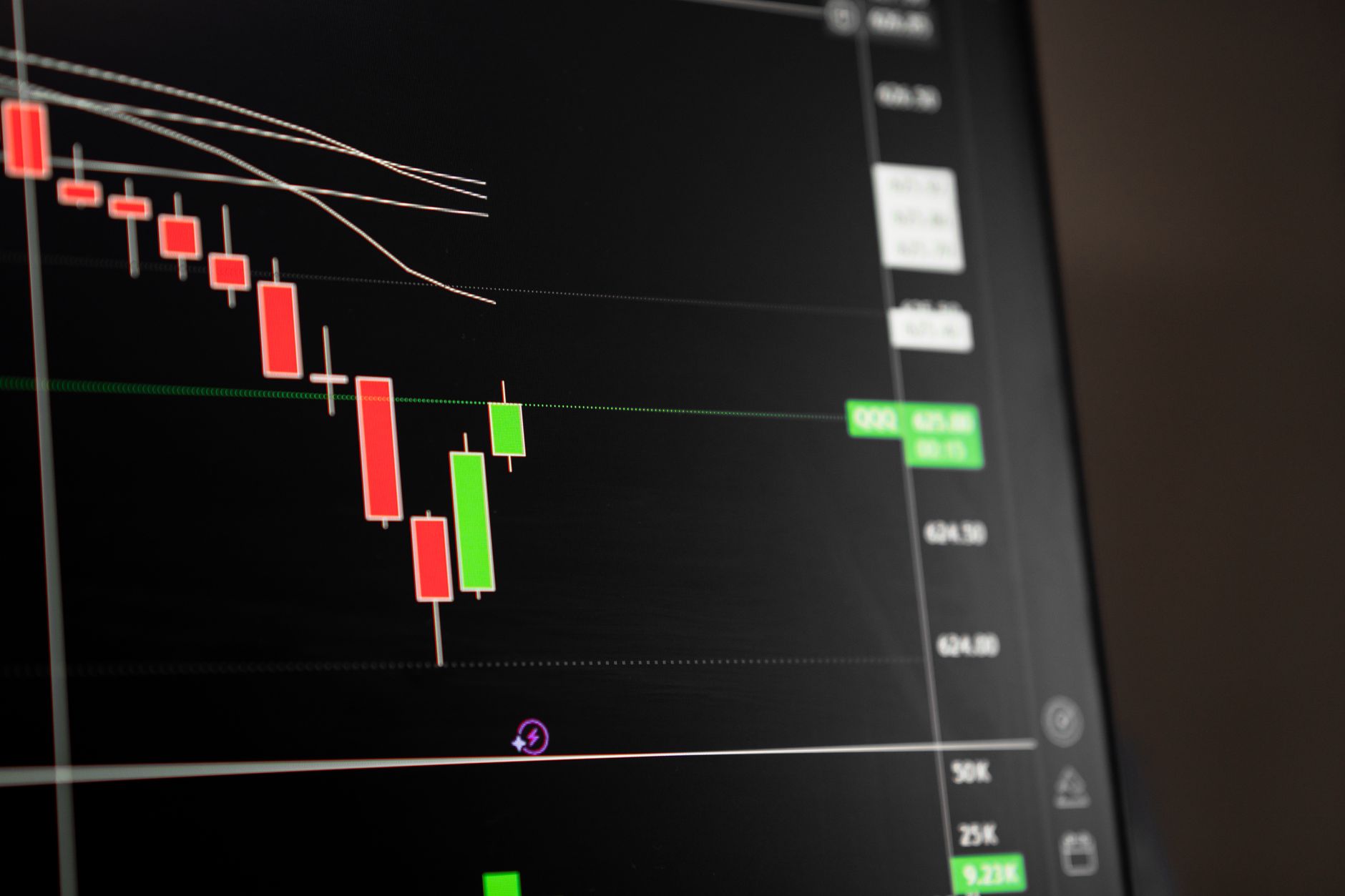
TradingView is still the benchmark. With over 100 built-in indicators, Pine Script for custom strategies, and a massive community sharing ideas, it’s hard to beat for pure analysis. The platform supports 100+ exchanges and offers real-time data feeds that most alternatives can’t match. Canadian traders will find solid support for CAD pairs on major exchanges like Kraken and Binance.
Key strengths:
- ✅ Unmatched indicator library with 100+ technical tools
- ✅ Pine Script allows custom indicator creation
- ✅ Huge community with shared strategies and alerts
- ✅ Smooth multi-chart layouts up to 8 charts on premium
- ✅ Reliable mobile app for on-the-go monitoring
- ❌ Premium plans cost up to $59.95/month USD
- ❌ Free tier limits you to 3 indicators per chart
- ❌ Data delays on some exchange feeds without paid subscription
Who it’s for: Traders who need the deepest indicator library and don’t mind paying for quality.
2. TradingLite , Best for Fast Execution and Clean UI

TradingLite is the speed demon of crypto charting. It renders charts in under 100ms, even on volatile altcoin pairs with thousands of trades per second. The interface is minimal, almost brutally so, but that’s the point. You get pure price action without distractions. It’s designed for traders who want to execute quickly and not fiddle with settings. The built-in trading panel connects directly to Binance, Bybit, and OKX, so you can place orders without leaving the chart.
Key strengths:
- ✅ Lightning-fast chart rendering under 100ms
- ✅ Clean, distraction-free interface
- ✅ Direct order execution from chart
- ✅ Affordable at $15/month
- ✅ Excellent for scalping and day trading
- ❌ Limited indicator library compared to TradingView
- ❌ Only supports a handful of exchanges
- ❌ No community features or shared strategies
Who it’s for: Active day traders and scalpers who prioritize speed over analysis depth.
3. Coinigy , Best for Multi-Exchange Portfolio Management
Coinigy has been around since 2014 and remains the go-to for traders juggling multiple exchanges. It aggregates 45+ exchanges into one interface, letting you chart, trade, and track your portfolio from a single dashboard. The charting engine is solid, though not as flashy as TradingView. What sets Coinigy apart is the portfolio tracker that syncs your balances across all connected exchanges, plus real-time arbitrage alerts. For Canadian traders using multiple platforms, this is a huge time-saver.
Key strengths:
- ✅ 45+ exchange support in one platform
- ✅ Built-in portfolio tracking across exchanges
- ✅ Arbitrage opportunity alerts
- ✅ API access for automated trading
- ✅ Historical data back to 2014
- ❌ Interface feels dated compared to modern alternatives
- ❌ Monthly cost of $29.99 adds up
- ❌ Setup requires connecting multiple exchange APIs
Who it’s for: Traders who spread their positions across multiple exchanges and want unified charting and tracking.
4. GoCharting , Best Free Alternative with DeFi Support
GoCharting is the free tool that punches way above its weight. It offers unlimited indicators, multi-chart layouts, and real-time data, all at zero cost. What really sets it apart is its support for DeFi protocols like Uniswap and PancakeSwap. You can chart on-chain liquidity pools and track token prices that aren’t listed on centralized exchanges. The interface is clean and modern, though it lacks the community features of TradingView. For traders exploring DeFi opportunities, this is a must-have.
Key strengths:
- ✅ Completely free with no feature paywalls
- ✅ Supports DeFi protocols and on-chain data
- ✅ Unlimited indicators on charts
- ✅ Real-time data on major exchanges
- ✅ No account required for basic charting
- ❌ Smaller community, fewer shared strategies
- ❌ No mobile app yet
- ❌ Exchange connectivity limited to major platforms
Who it’s for: Budget-conscious traders who want professional-grade charts without paying, especially those trading DeFi tokens.
5. CryptoCompare , Best for Institutional-Grade Data
CryptoCompare, now part of CoinMarketCap’s broader ecosystem, is built for data-heavy traders. It offers order book depth visualization, historical price data going back years, and aggregated market data from 20+ exchanges. The charting interface is functional but not pretty. What you get instead is data accuracy and depth that retail tools often miss. For Canadian traders who want to cross-reference price feeds or conduct serious backtesting, CryptoCompare’s data quality is unmatched. You can also easily export historical data for your own analysis or tax records.
Key strengths:
- ✅ Institutional-grade data accuracy
- ✅ Deep historical data for backtesting
- ✅ Order book visualization across exchanges
- ✅ Free tier with solid basic features
- ✅ Data export for tax and analysis
- ❌ Interface is less intuitive than competitors
- ❌ Premium data plans cost $49/month
- ❌ No direct trading from the chart
Who it’s for: Data-driven traders and analysts who need reliable historical data and cross-exchange insights.
Frequently Asked Questions
Is TradingView still the best crypto charting tool in 2026?
TradingView remains the most feature-complete platform, but alternatives like TradingLite and GoCharting offer faster performance and better value for crypto-specific workflows. It depends on whether you need advanced Pine Script indicators or just clean, fast charts.
Are free crypto charting tools good enough for technical analysis?
Free tiers on TradingView and GoCharting cover basic candlestick charts, volume, and core indicators like RSI and MACD. Serious day traders will likely need a paid plan for multiple indicators, real-time data, and multi-chart layouts.
Do charting tools help with Canadian crypto tax reporting?
Most charting tools don’t generate tax reports directly. You’ll need to export trade history and use dedicated software. The CRA requires capital gains reporting on every crypto disposition, so pairing your charting tool with proper tax software is essential.
Can I connect my exchange API to these charting tools?
Yes, most platforms like Coinigy and TradingLite support API connections to major exchanges. This lets you trade directly from the chart and sync your portfolio automatically. Check each tool’s supported exchange list before committing.
What's the difference between TradingView and GoCharting?
GoCharting is a free, crypto-first alternative that supports DeFi protocols and offers zero-cost advanced features. TradingView has a broader community and more indicators, but its premium tiers get expensive for Canadian traders paying in CAD.
What Should You Remember?
- TradingView remains the gold standard, but its $59.95/month premium tier is overkill for casual crypto traders.
- TradingLite offers the fastest chart rendering we tested, with sub-100ms updates on volatile altcoin pairs.
- Coinigy is the best pick for multi-exchange traders, aggregating 45+ exchanges into one interface with portfolio tracking built in.
- GoCharting is completely free and supports DeFi protocols, making it ideal for traders who want zero-cost tools without sacrificing core indicators.
- CryptoCompare combines charting with institutional-grade data, perfect for traders who rely on order book depth and historical data.
- TradingView’s free tier still covers most needs, but Canadian users should watch USD conversion fees on premium plans.
- Pair any charting tool with crypto tax software to stay CRA-compliant when filing capital gains.
Disclaimer: This article is for informational purposes only and does not constitute financial or tax advice.